Manage workflows
If your organization admin has configured the Override option for workflows, you can change the settings for an existing project workflow.
Before you can edit a workflow, the organization admin must configure the Override option to be selected.
Organization and Project Admins only
You need organization or project admin permissions for this task.
To manage project workflows:
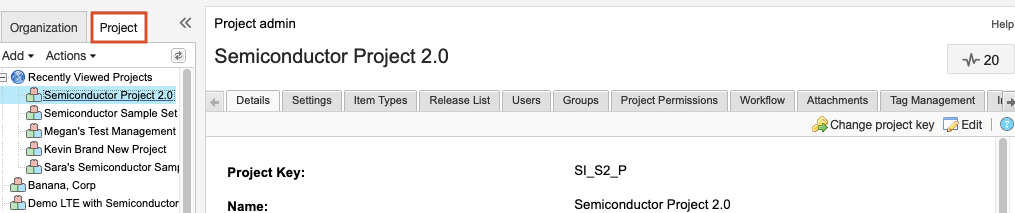
Select ADMIN > Project.
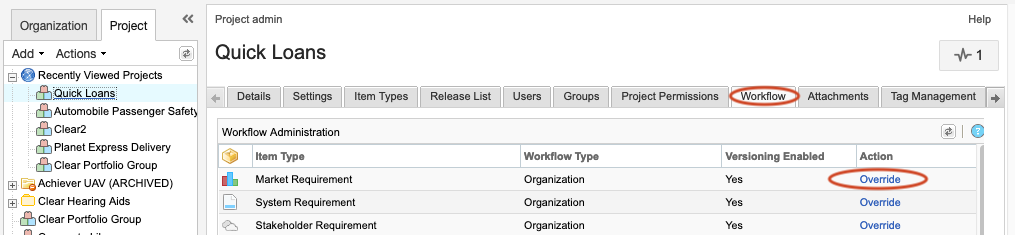
Select the Workflow tab, then select Override in the Action column for the workflow you want to edit.
In the Workflow Configuration section, set up a project workflow, then select Save.
The changes you made to the project workflow is saved.