Test Plan Activity Stream
At this level, you can track changes that were made to your test plan. For example, an archived or unarchived test plan appears in the Activity Stream and the Project Activity stream. You can also see which test cases were unassociated in the activity log.
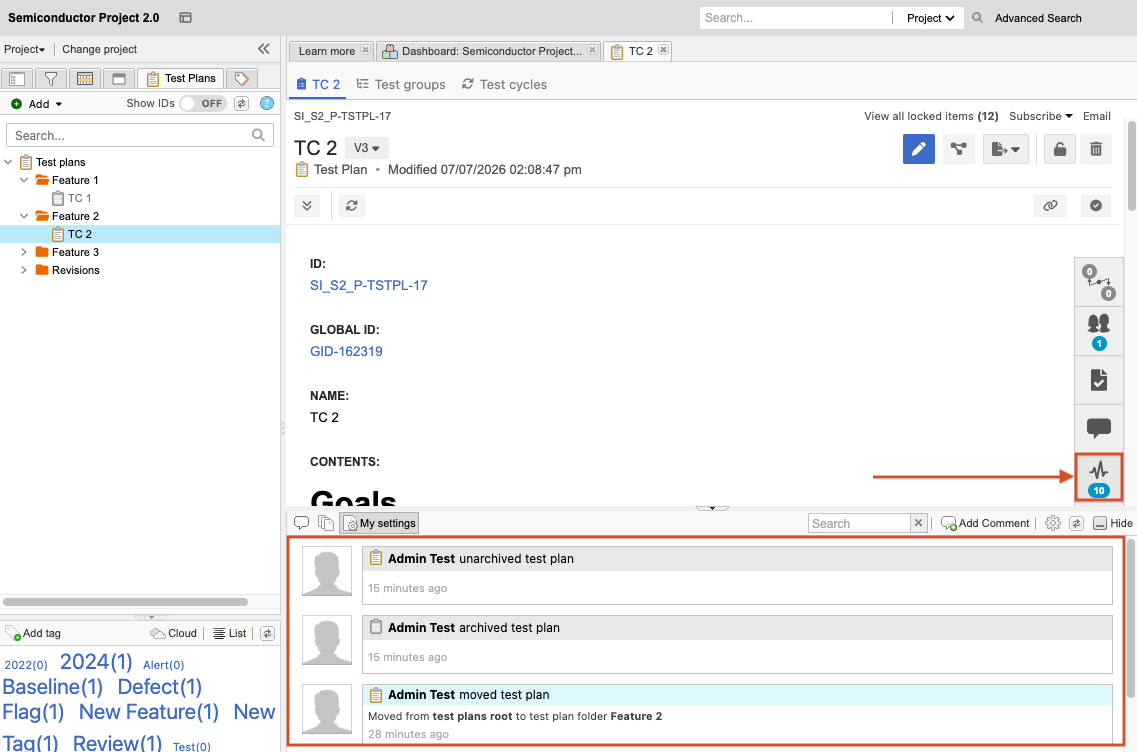
How to access
Select the Test Plans tab, then select the Activities widget to open the Test Plan Activity Stream.
What you can do
Monitor activity and track changes in your test plan.
View logs of the following activities:
Add or delete test groups
Add test cycles or bulk-add test runs
Delete test cycles or bulk-delete test runs
Manually delete test runs
Add test cases to a test plan
Archive or unarchive test plans
When a test cycle or test plan is sent for review, or when part of a filter is sent for review, the activity is logged.