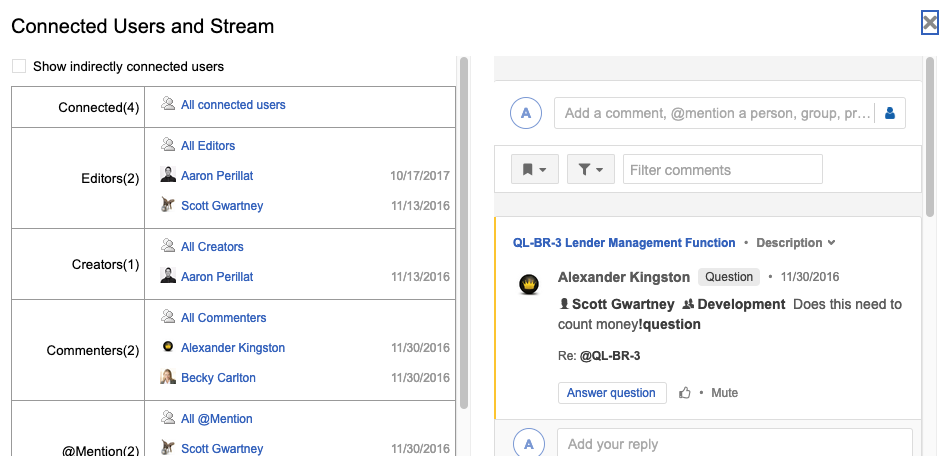
View collaboration Stream at an item level
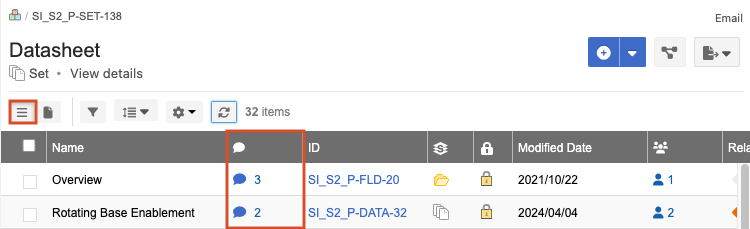
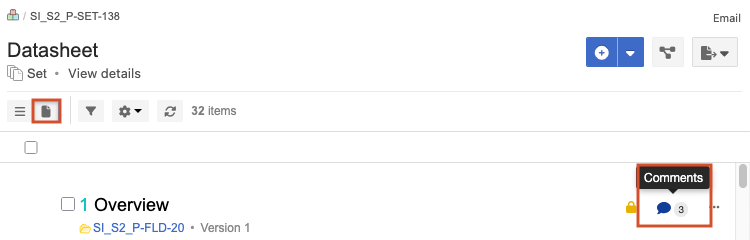
You can view the Stream comments and activity for an item, for example, to see all "Open" (unresolved) questions about that item. A speech bubble icon includes a number that indicates how many comments were recorded for that item.
Note
The side toolbar is only visible if it is configured by the organization admin.
To view Collaboration Stream at an item level:
Select an item’s speech bubble icon using one of these methods:
Projects > List View
Projects > Document View
Single Item View > Side toolbar

In the window that opens, select the silhouette icon to view comments, add comments, or view connected users.