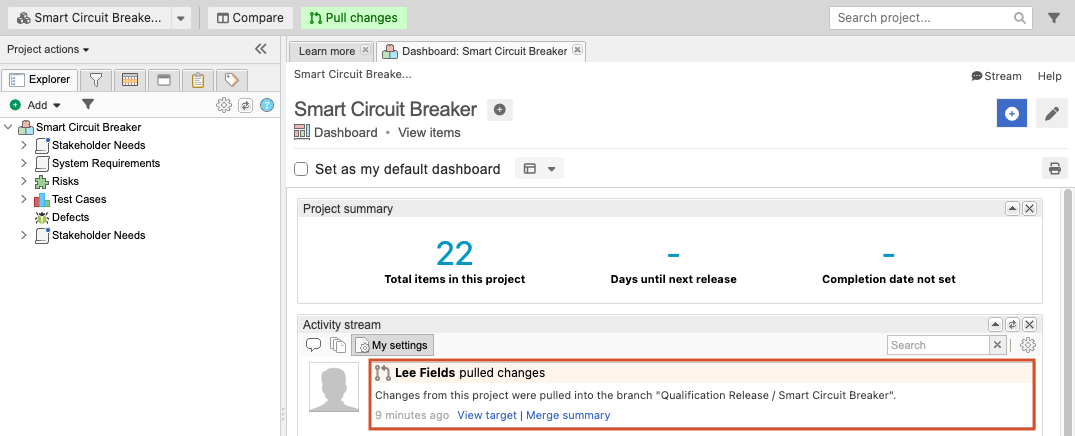
Workflow for Branch and Merge (Cloud only)
All work for feature specification and development occurs within a dedicated working branch. Teams can focus on specific components or features in isolation, preventing disruption to other product areas. This approach ensures that your primary branch maintains a stable foundation, free from unverified or incomplete requirements.
How it works
Select a project from the main repository
Choose any project within your organization that doesn’t have cross-project relationships.
Create a new branch
An organization or project admin creates a new branch that initially reflects the current state of the project. The branch behaves as an independent workspace, so changes made in the branch or main project aren’t reflected in the other until they are merged.
Note
You can add only one branch per project.
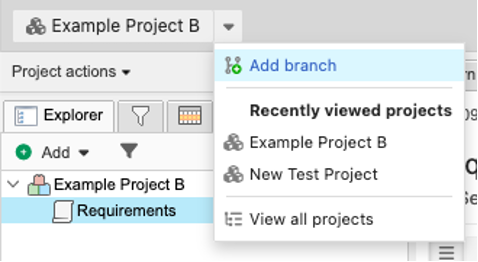
Work in isolation within the branch
All user permissions from the main project carry over to the branch, allowing your team to perform tasks without disrupting the integrity of the main project.
This work can include decomposition of new requirements, sending requirements to review, revising requirements until they are approved, and creating and running test plans.
Review changes
Before merging content back into the main project, best practice recommends performing a review to make sure that all the changes are safe to merge.
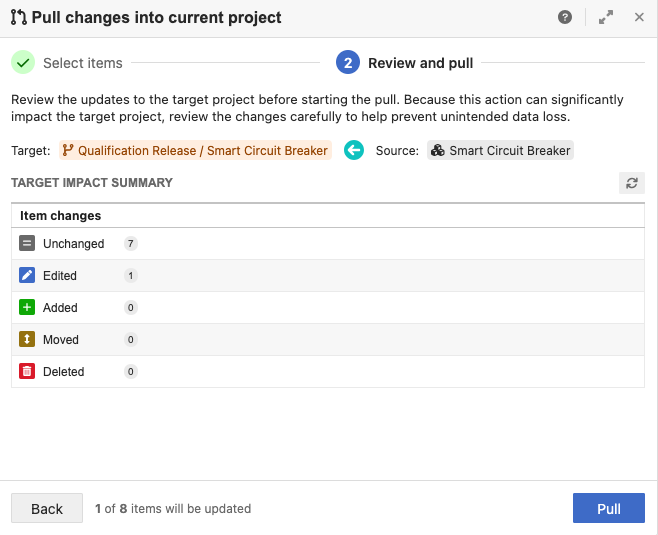
Merge the branch back into the main project
An organization or project admin must initiate the pull from the target project. After the pull is completed, changes from the source project are merged into the target project.