Finalize a review
When you’re satisfied that your review is complete — that all items have been reviewed and approved and that all comments have been resolved — the next step is to finalize the review.
Important considerations
When you finalize the review, the review workflow tool automatically updates the status of the review items. For example, at the end of a review, a moderator can trigger the status of reviewed items to change from "In review" to "Approved."
If workflow is assigned to an item type in your Approval review, the item will transition. If you don't use a template, the review is marked as finalized.
When you reopen a finalized review, items are transitioned to their previous review status.
When you finalize a review, a baseline is created for improved auditing and when using workflow.
To finalize a review:
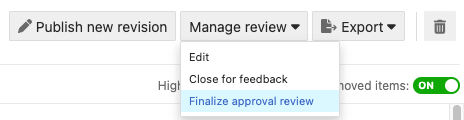
In the review, select Manage review > Finalize approval review.
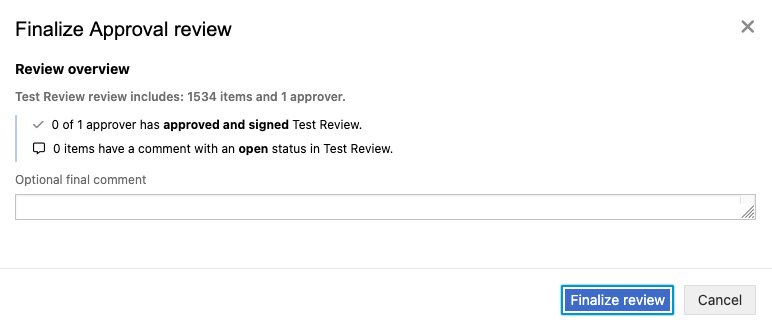
In the window that opens, select Finalize review.
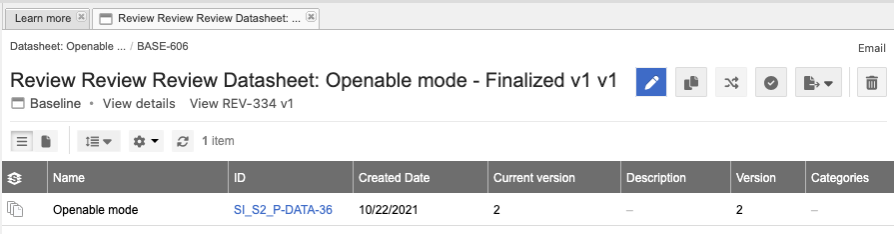
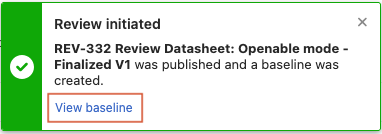
In the confirmation message, select View Baseline.
The page displays the new baseline.