Troubleshoot PersistentVolumeAccessMode errors if Jama Connect deployment fails
If you configured Jama Connect to use a third-party storage class to save assets, you might get the following deployment error.
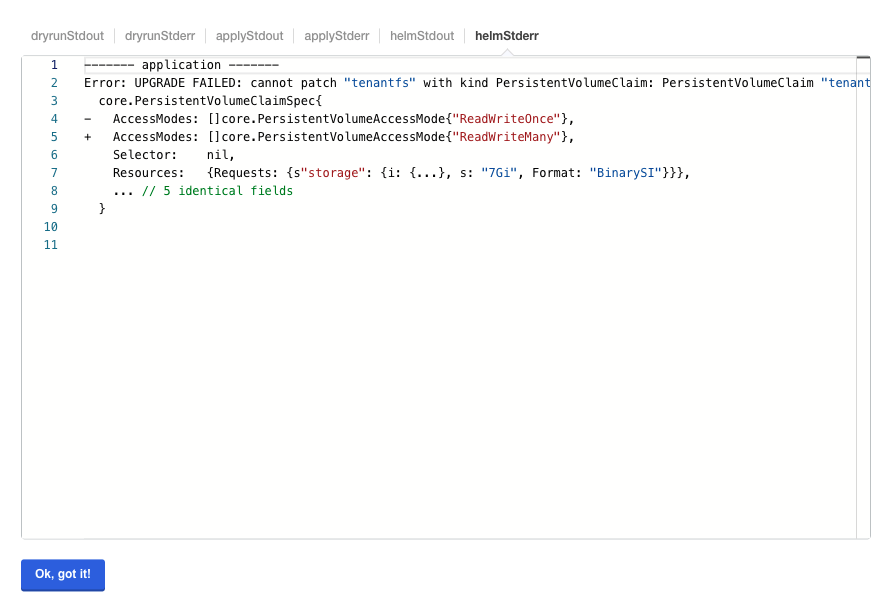
To modify Assets PVC Access Mode:
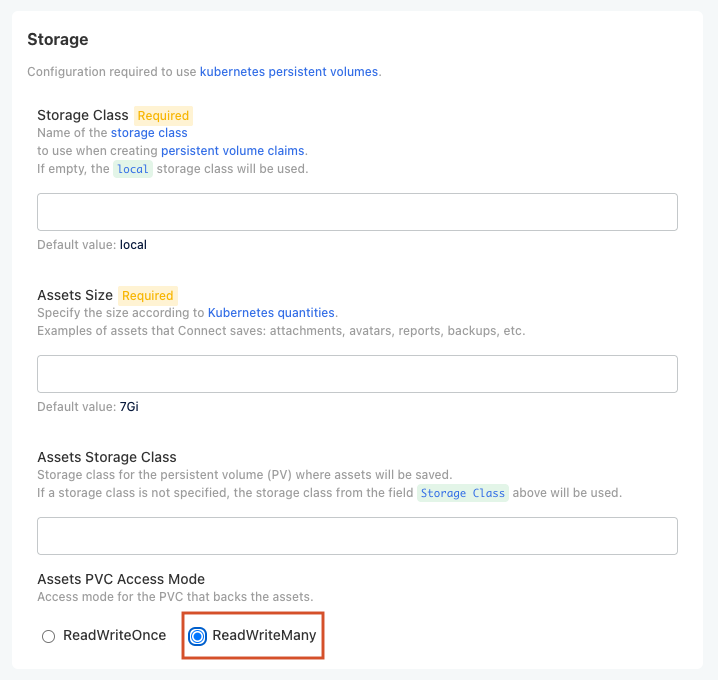
From the Config tab in the KOTS Admin Console, set the Assets PVC Access Mode to ReadWriteMany.
Important
Select ReadWriteMany only if the configured storage provider supports that access mode.
Deploy Jama Connect.
The application is redeployed.