Reset Admin Console password
You can reset the password for the Admin Console if, for example, the administrator forgot it.
To reset the password for the Admin Console:
To remove the current password, run this command on the application server:
replicated auth reset
To change your password:
From the KOTS Admin Console, select the circle ellipsis icon, then select Change password.

Update the password information, then select Change Password.
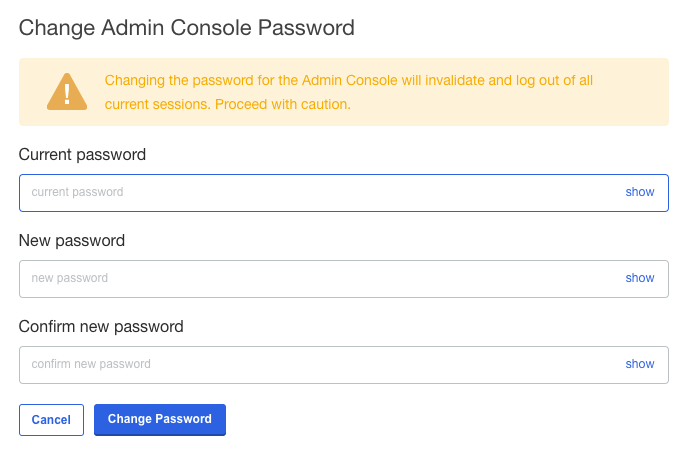
The new password takes effect immediately.