List View
In List View, you can configure which fields appear as table columns in the center details panel. The table is dynamic — you can sort, select, drag and drop, and reorder columns.
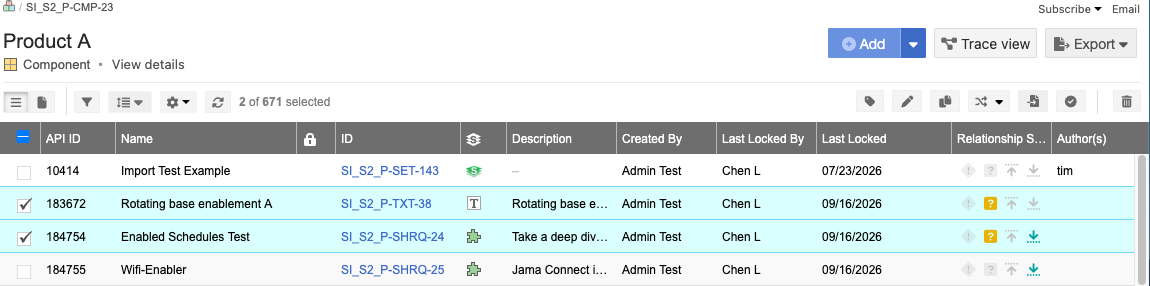
To reorganize columns, select the column header and drag it to the new location.
To choose which fields you see in the table, you can configure fields.
Use the interactive links (breadcrumb navigation) to find your way around and view the location of your project hierarchy.
To sort items, select the column header.
 | View information about an item. |
 | Move items in a project. |
 | View locked items locked items. |
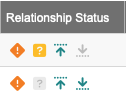 | View how many relationships an item has, as well as whether those relationships meet the project's relationship rules. For more information, see Relationship Status Indicator. |
 | View and add comments. |
 | View and add connected users. |
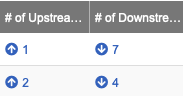 | View related items (the relationship between two items). For more information, see Add a relationship from Single Item View. |