Open baselined items in Single Item View
In Jama Connect 9.6.0 and later, baselined items open in Single Item View.
This view provides a comprehensive display of all versioned and non-versioned fields, including attachment and link counts, accurately capturing the state of the item at the time the baseline was created.
Important considerations
You must select an item from the baseline to open Baselines Single Item View.
When an item with relationships is deleted, the relationships don't appear in Baselines Single Item View. You can only see them in the baseline.
When viewing a baseline, you can view relationships from the time the baseline was created from Document View or Single Item View.
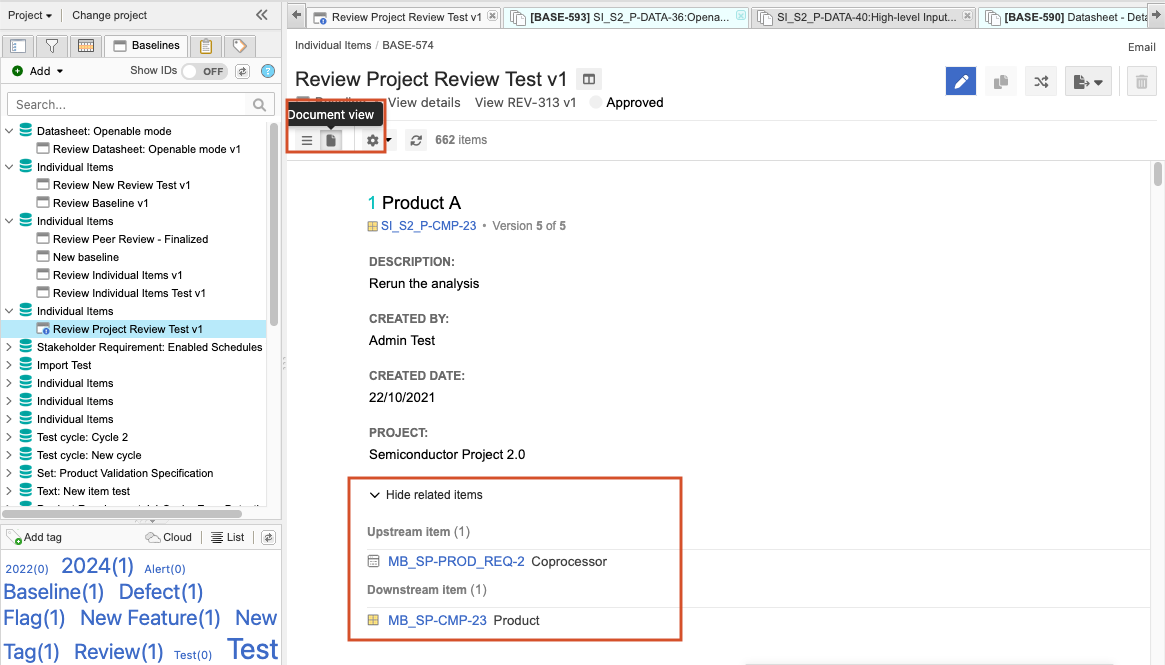
To open baselined items:
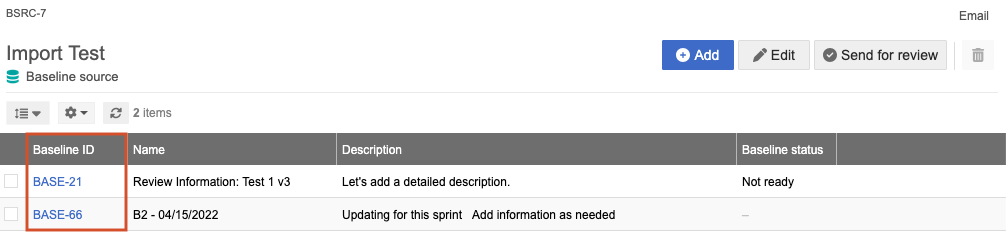
Select the Baselines tab in the Explorer Tree, then select the baseline source with the baselined item you want view.

Select the Baseline ID link.
The item opens in Single Item View.