Explore item relationships in Trace View Canvas (Beta)
Use Trace View Canvas to review item relationships, identify coverage issues, and follow a relationship chain.
To explore item relationships:
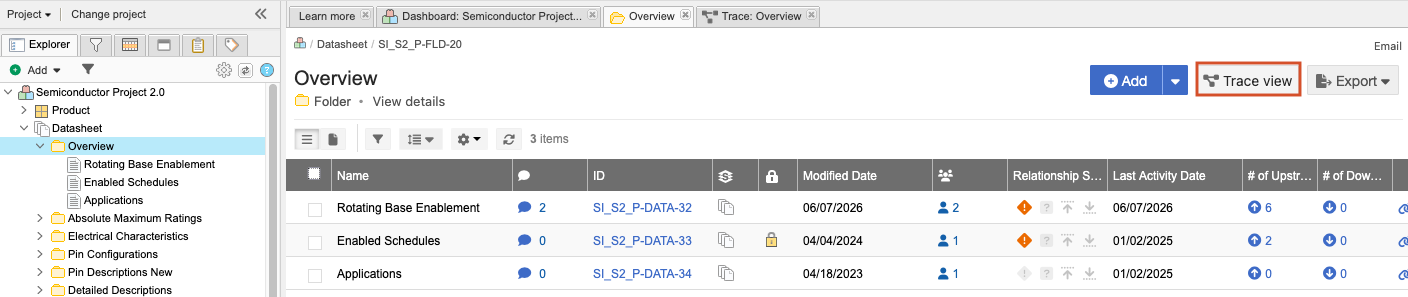
In the Explorer Tree, select the item you want to investigate, then select Trace view.
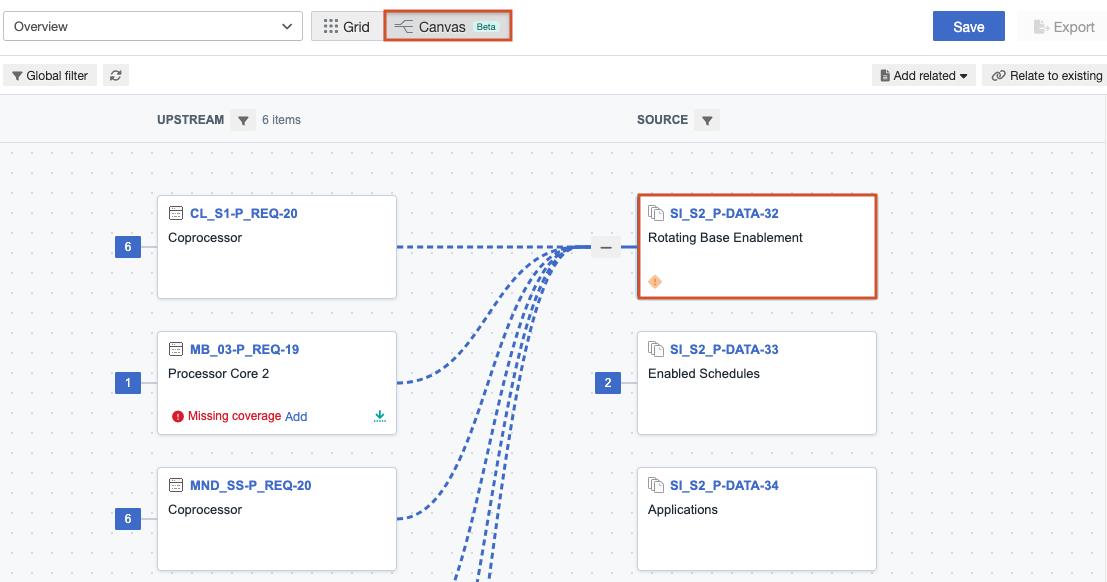
Select Canvas, select the source item, then review its immediate upstream and downstream relationships.
Pan or zoom to examine more of the trace structure.
Collapse item relationships that aren’t relevant.
Select a document key (item ID) to preview an item.
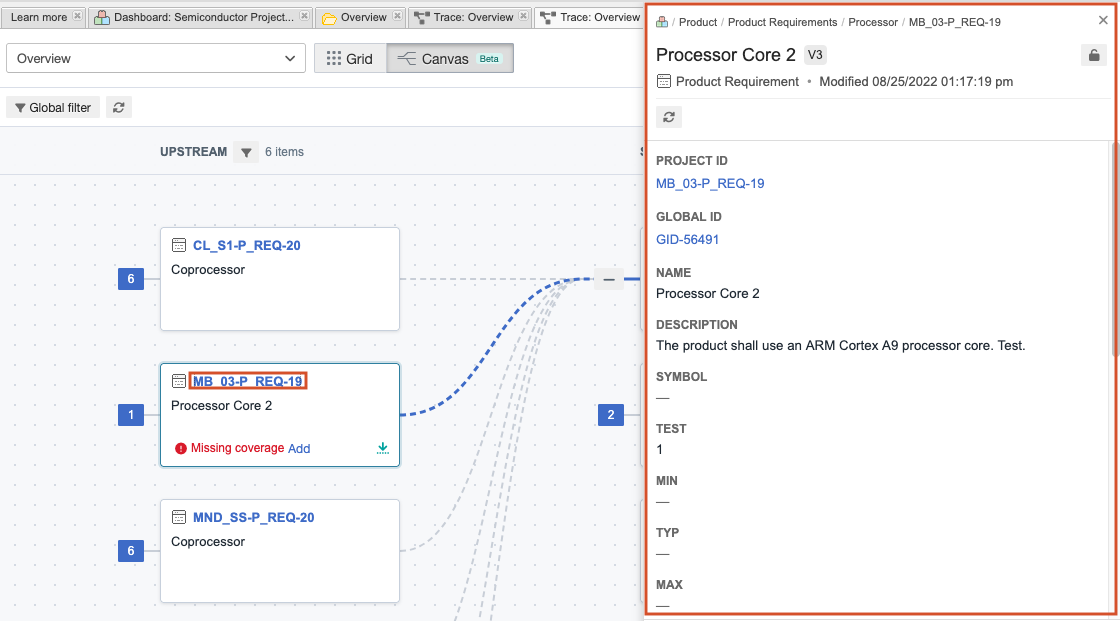
Review the suspect-relationship and missing-coverage indicators on each card.
Select a related item, then choose the action to continue expanding the trace. Upstream items expand the trace upstream; downstream items expand it downstream.
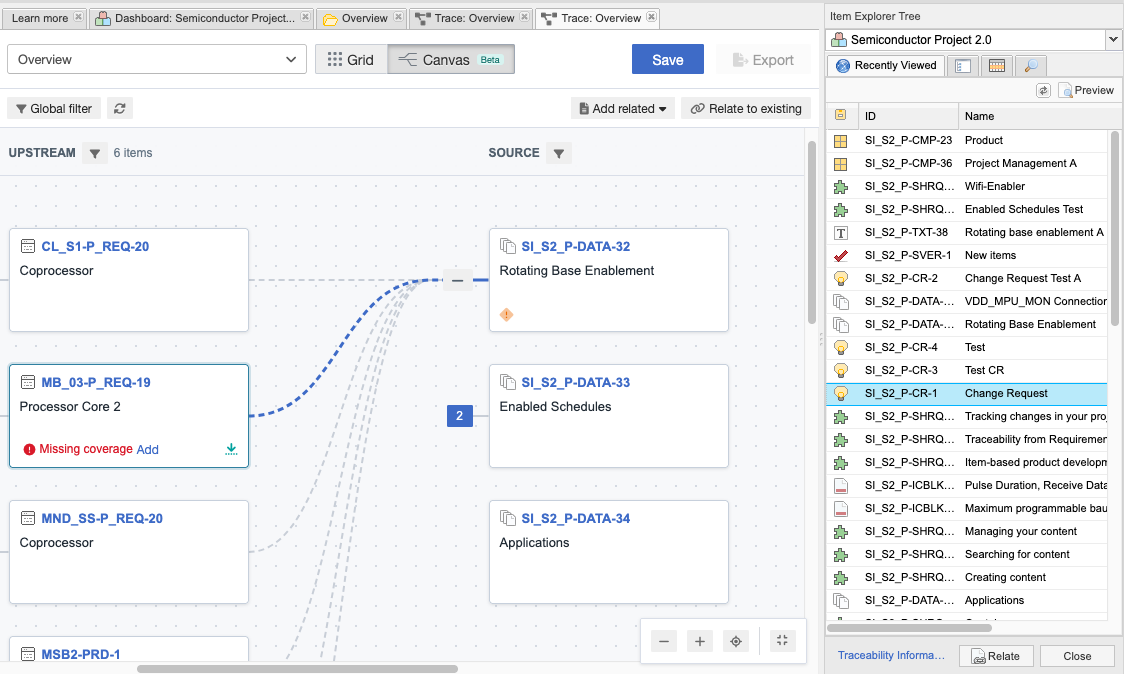
Repeat the process as needed to follow the relationship chain.