Create a checklist
Create global or project checklists in the Checklist Library to include in a peer or approval review.
Global checklists are public and are not associated with a project, so you can apply them to any project.
Project checklists are available only in their assigned project.
Important considerations
Organization and project admins with the required project permissions can enable the Compliance permission in Organization > Permissions or Project > Project Permissions. This permission allows them to create smart checklists for others to use globally across all projects or within a specific project.
To create a checklist:
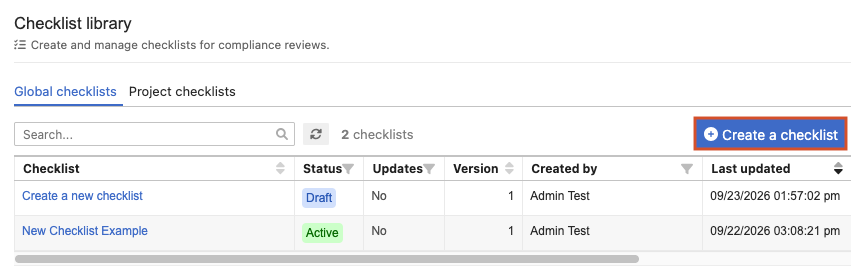
From the Jama Connect header, select Reviews > Checklist library.
Select Create checklist.
On the Define checklist page, complete the Details section.
Enter the name and select a status. The checklist status determines whether it’s available for use.
Draft — A temporary state. Users can't use the checklist until it is active.
Active — Available for immediate use.
(Optional) Enter a description and guidance link.
In the Checklist source section, enter the project and container.
Select Next.
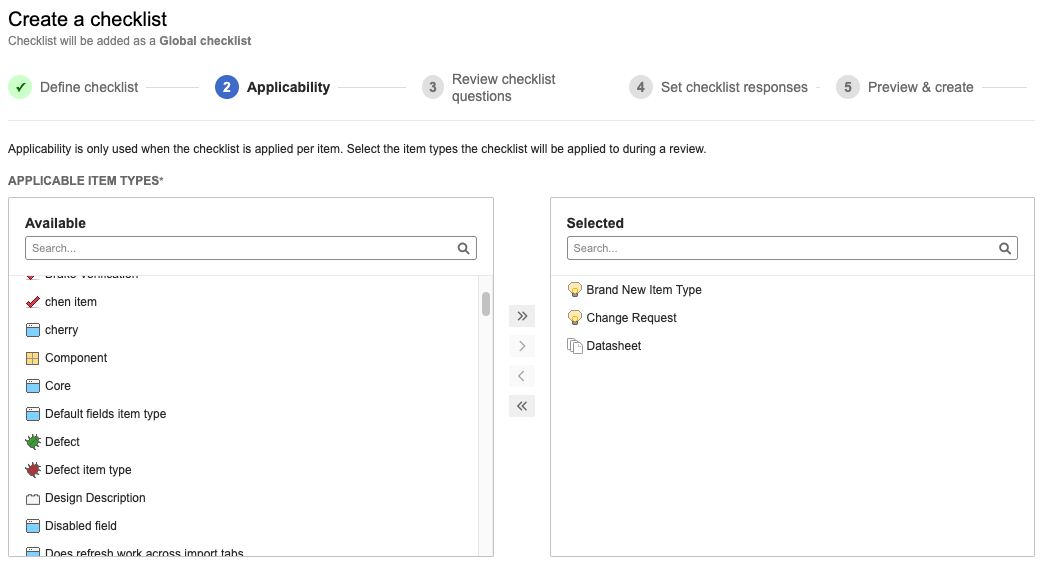
On the Applicability page, select the item types to apply to the review, then select Next.
On the Review checklist questions page, select the questions participants must complete, then select Next.
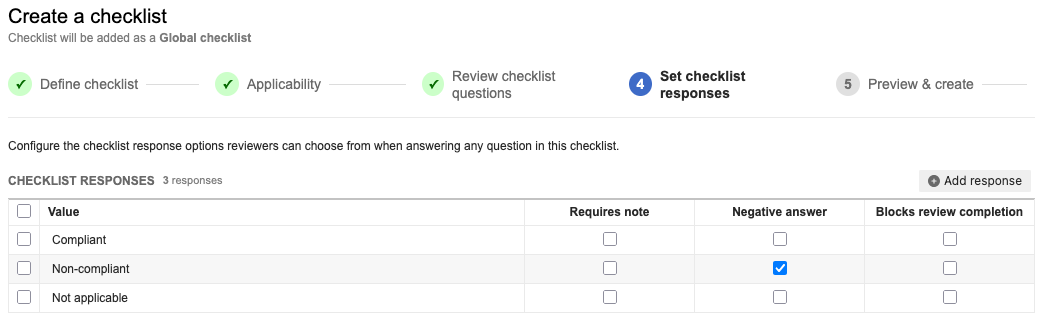
On the Set checklist responses page, configure the response options reviewers can select for each checklist question.
Select Add response to include a new value.
Select Next.
On the Preview & create page, review the new checklist.
Select one of the following actions:
If the checklist status is Draft, select Create checklist to save it as a draft or select Create & activate checklist to activate the checklist immediately.
If the checklist is Active, select Create & activate checklist to activate it immediately.
The checklist is created with the status you selected and is available to add to reviews.