Create a framework
A framework is a collection of checklists. You need a framework to view checklist metrics on the dashboard.
Before you begin
You must have permission to manage compliance frameworks.
Create at least one checklist before creating a framework.
You can include a checklist in more than one framework.
Only active frameworks are available to monitor on the dashboard.
To create a framework:
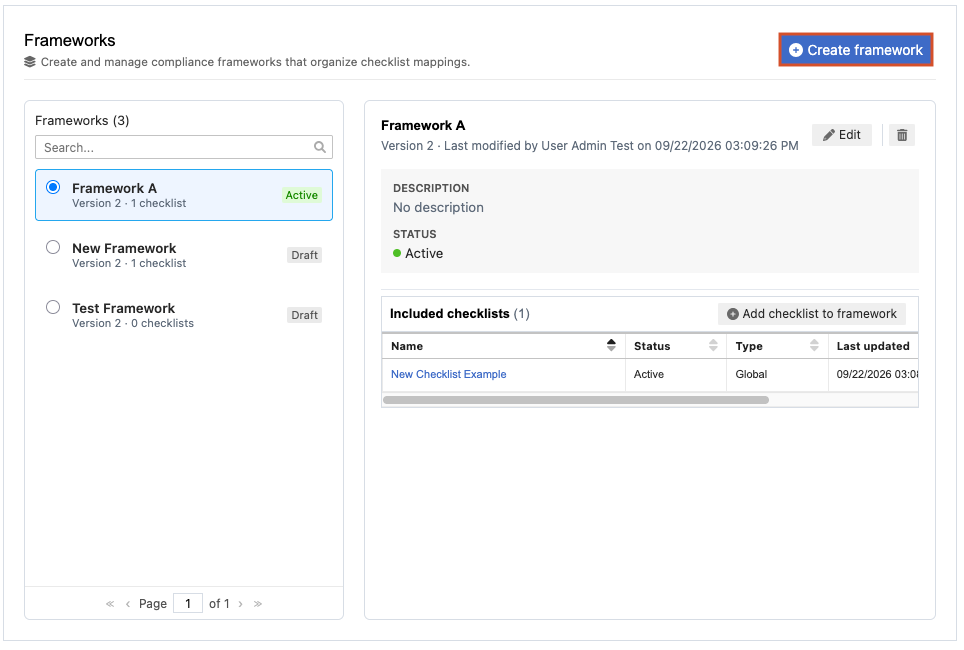
From the Jama Connect header, select Reviews > Frameworks.
To create a framework:
Select Create framework.
In the window that opens, complete the fields:
Name
(Optional) Description
Status
Select Draft to save the checklist for later use, or select Active to make it available immediately.
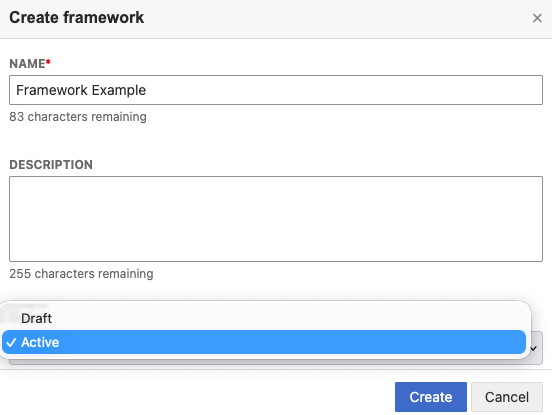
Select Create.
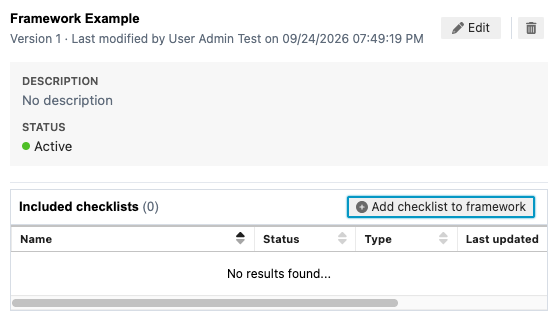
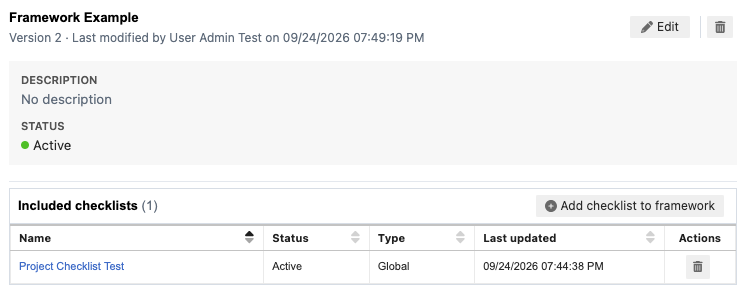
To add a checklist to a framework:
Select Add checklist to framework.
In the panel that opens, select the checklist you want to add, then select Add.
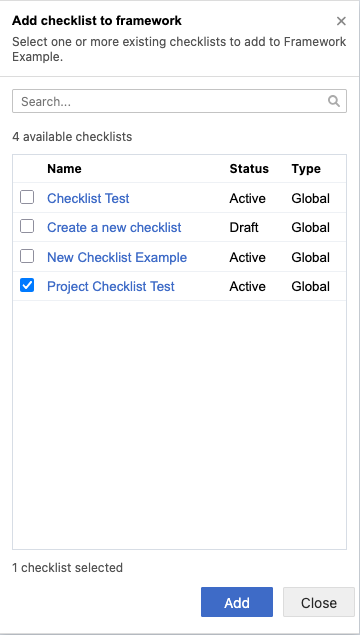
The checklist you added appears in the table.
To edit an existing framework:
Select the framework you want to modify, then select Edit.
In the window that opens, make your edits, then select Save.
Select Draft to save the checklist for later use, or select Active to make it available immediately.