Create a dashboard
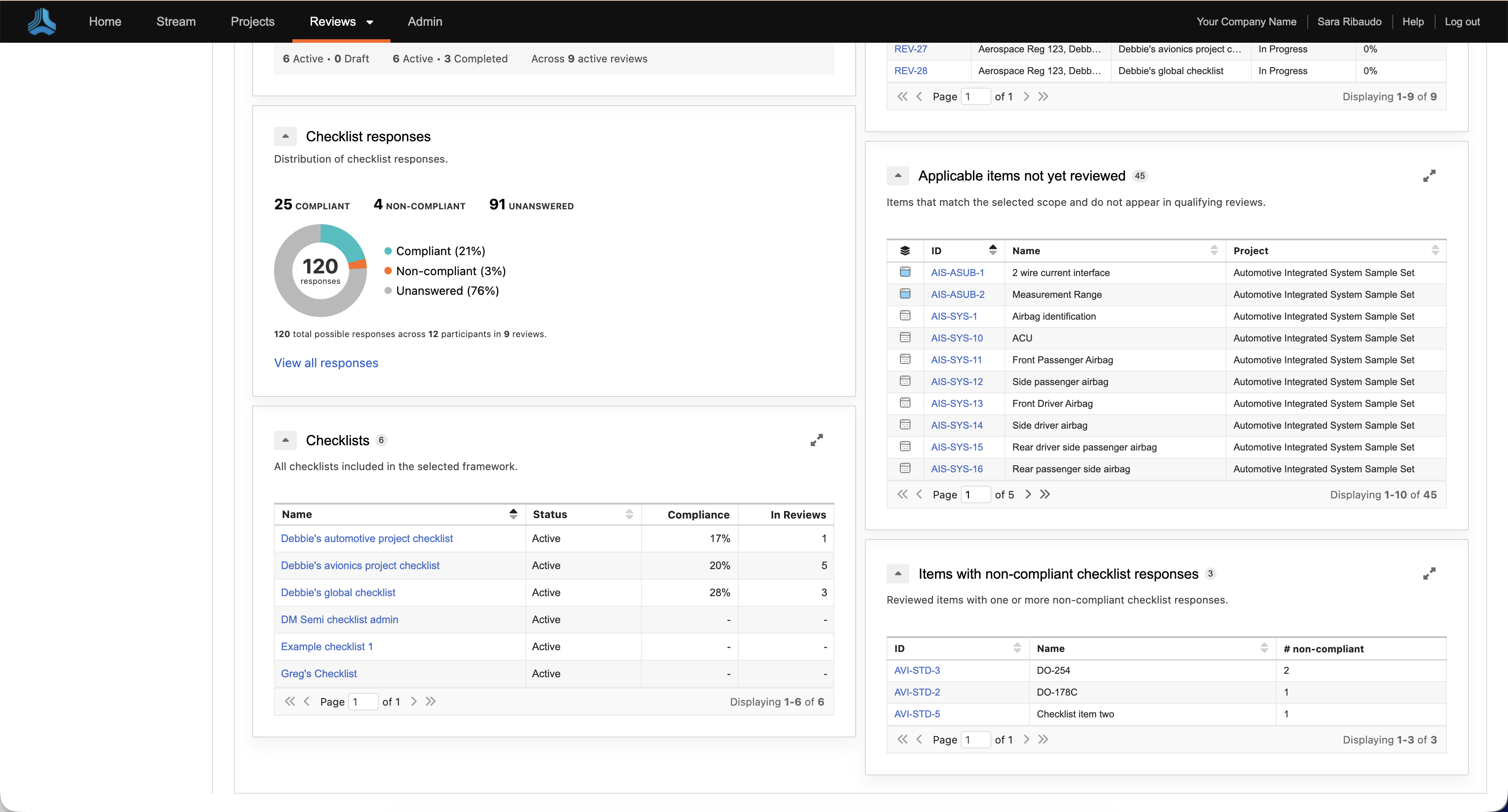
The dashboard provides a breakdown of checklist results across reviews, including compliant and non-compliant responses and overall compliance health.
Review dashboard metrics
The Dashboard includes six widgets that summarize compliance health, participant checklist completion, checklist responses, reviews using the selected framework, applicable items that have not been reviewed, and items with non-compliant responses. Select a framework and project to view the related compliance data.
To create a dashboard, you must first create a checklist and a framework.
To create a dashboard:
From the Jama Connect header, select Reviews > Dashboard.
From the Framework drop-down menu, select the framework you want to view.
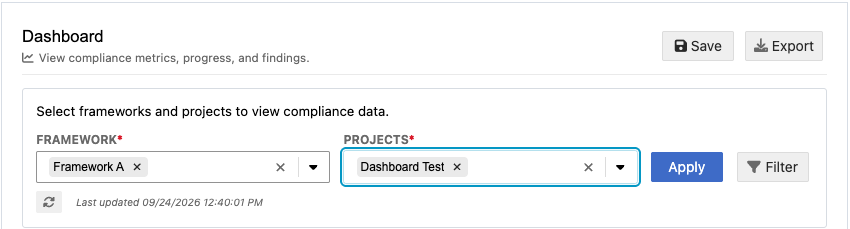
From the Projects drop-down menu, select the project you want to view.
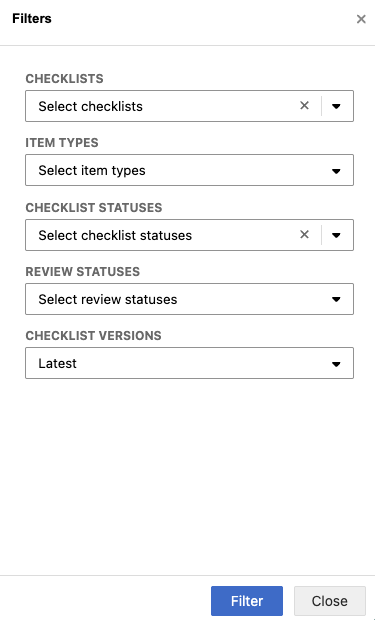
Select Filter, configure the filter options, and select Filter.
Select Export to generate a PDF of the dashboard.
Select Apply to save your selections.
View the dashboard widgets for metrics on overall compliance health, checklist completion and responses, related reviews, items that haven't been reviewed, and non-compliant responses.