Close and finalize an Approval review
After the review is approved, the moderator closes and transitions items to their approved state.
Workflow must be enabled in ADMIN > Organization for the items in the review, or the option to Close and transition items won't appear when you finalize a review.
Example with workflow disabled:
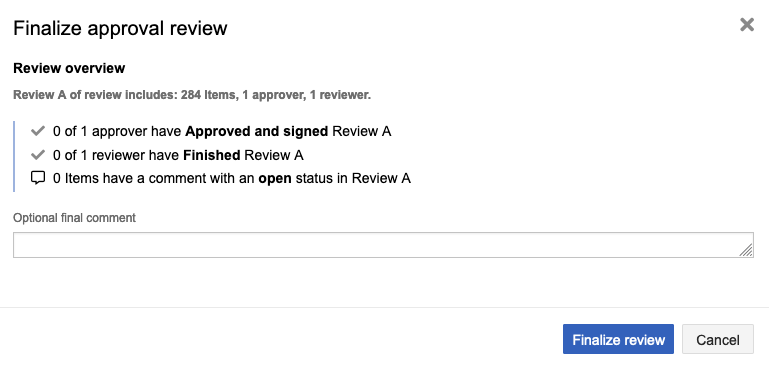
To close and finalize an Approval review:
In the review, select Manage review > Finalize approval review.
Wizard opens. You can change the name, deadline, and participants.
Review the overview and workflow transitions, then select Finalize review.
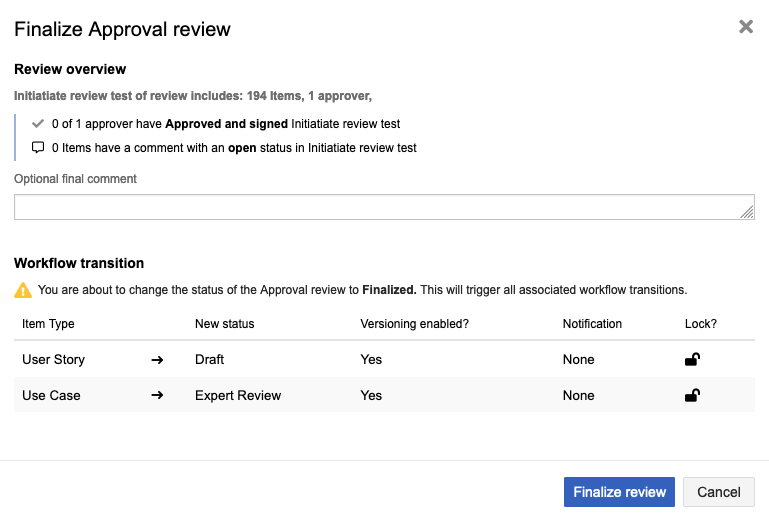
The review is now closed and finalized.