Compare a branch to a project (Cloud only)
All users can compare a branch with a project to identify added, edited, removed, or moved items. Use filters to narrow the results, then review item details and hierarchy changes.
Important considerations
The comparison is informational. You can’t merge, pull, resolve conflicts, or edit items from this view.
To compare a branch to a project:
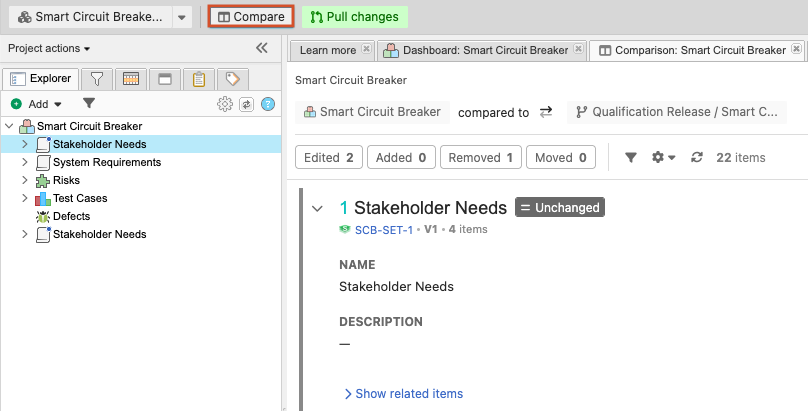
Select PROJECTS, open the project or branch you want to compare, then select Compare.
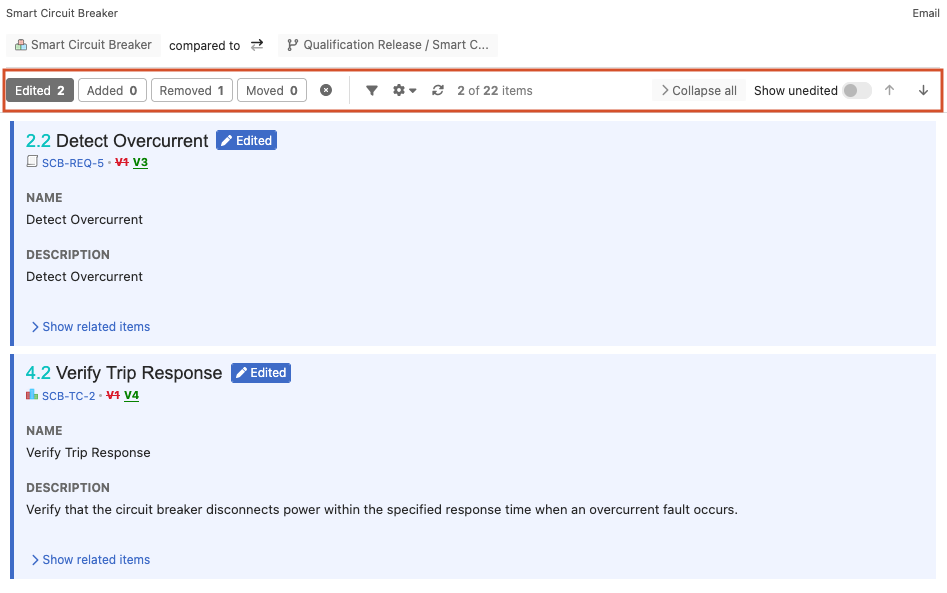
Use the filters to narrow the results, then select changed items to review their details and hierarchy context.
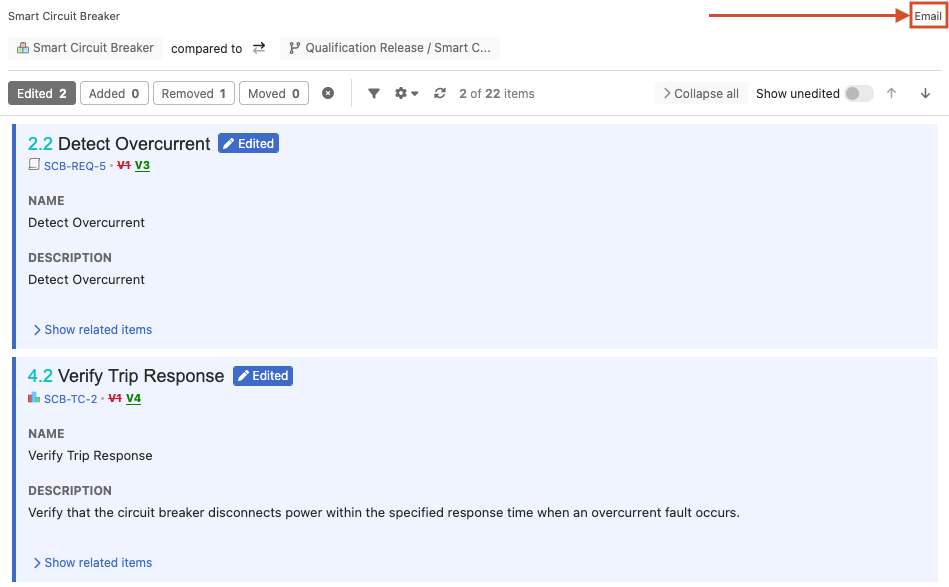
To share the results, select Email, and in the window that opens, enter the recipient’s information.