Pull changes into current (target) project (Cloud only)
As an organization or project admin, you can merge changes into a project.
Organization and Project Admins only
You need organization or project admin permissions for this task.
Important considerations
You can only pull changes; you can’t push changes.
This action has a substantial impact on the current (target) project. To prevent data loss, carefully review the changes before you initiate the pull.
The process of merging changes into a project can take several minutes.
The Pull changes option is only available in branched projects.
The Pull changes option only appears if changes have been made.
Relationships to items outside your selection are excluded and don’t count as item updates, so the summary might show No changes found or Zero items updated.
To include a relationship: return to the selection step, select the related item, and review the merge summary before completing the merge.
To pull changes into the current (target) project:
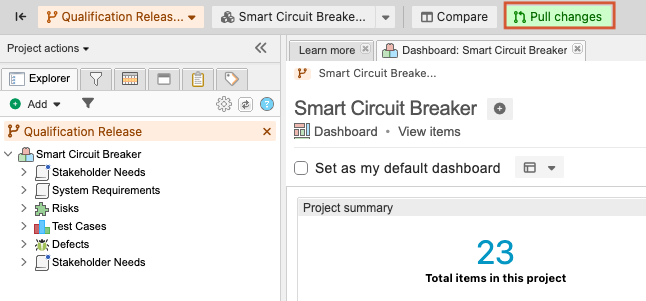
Select PROJECTS, navigate to a branched project or the branch of that project you want to pull into, then select Pull changes.
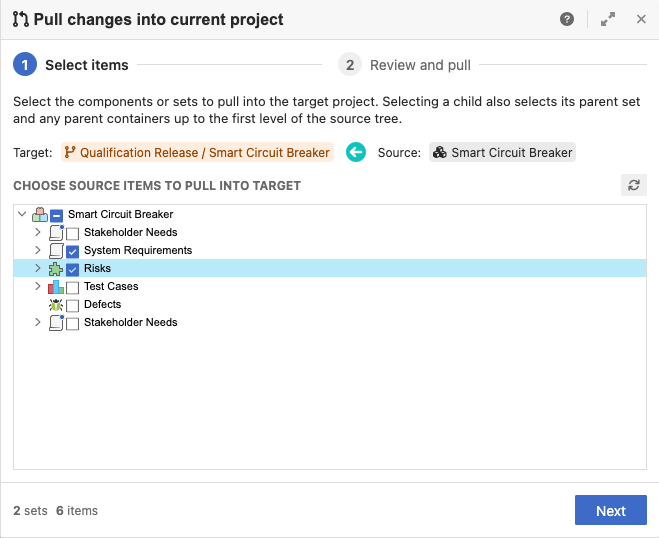
In the window that opens, select the source items to pull into the target project, then select Next.
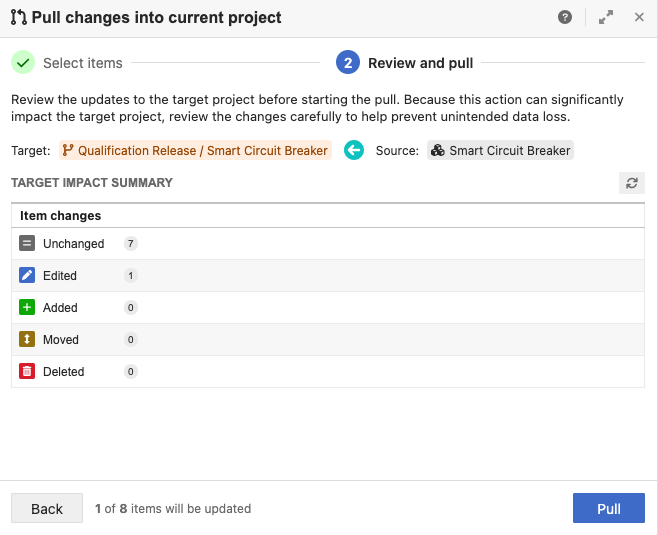
Review the target impact summary, then select Pull.
Important
This action can significantly affect the target project. Review the changes carefully to help prevent unintended data loss.
In the Merge complete window, select View summary.
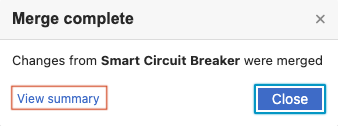
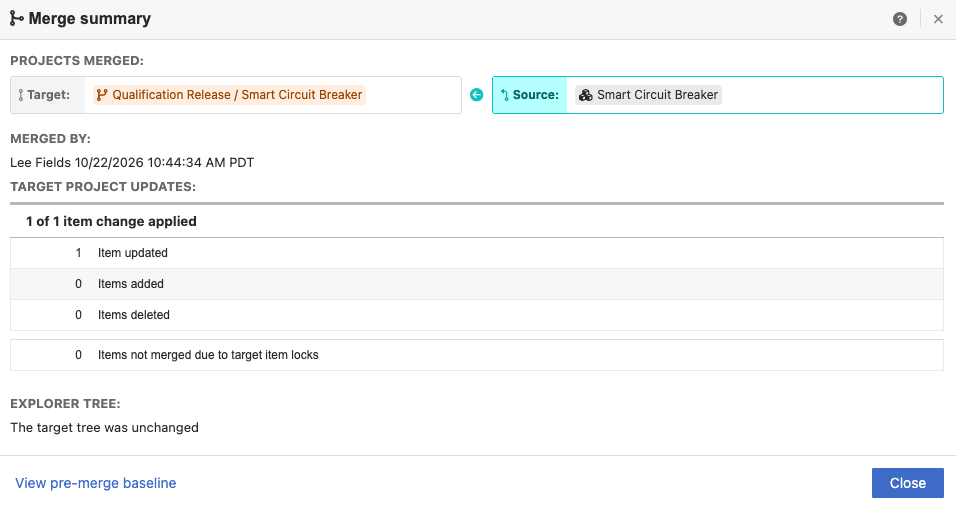
In the window that opens, review the merge summary, then select Close.